 Crowd Counter
How to count people in a photo: 3 methods that actually work
Whether you're reporting event attendance, settling an argument about crowd size, or keeping records for your organization, you eventually face the same problem: a photo full of people and a need for a real number. Here are the three methods that work, from free-and-slow to instant.
Method 1: The grid count (accurate, painfully slow)
Open the photo in any editor, overlay a grid (or just zoom in section by section), count each cell, and add them up. Marking counted heads with dots as you go prevents double-counting.
- Accuracy: excellent if you stay disciplined.
- Time: a 300-person photo takes 20–40 minutes. A packed grandstand can take hours.
- Best for: one-off counts where the number really matters and you have the time.
Method 2: The Jacobs density method (fast, rough)
The classic crowd-estimation technique from journalism: estimate the area the crowd occupies, assign a density (light crowd ≈ 1 person per 10 sq ft, dense ≈ 1 per 4.5 sq ft, packed ≈ 1 per 2.5 sq ft), and multiply.
- Accuracy: ±25–50% — fine for "tens of thousands," useless for "how many came to the game."
- Time: a few minutes.
- Best for: very large outdoor crowds where nobody expects an exact figure.
Method 3: AI crowd counting (seconds, verifiable)
Modern crowd-counting models do what the grid method does — find every person in the image — but in seconds instead of hours. Here's a real example: packed gym bleachers, photographed from the scorer's table, run through Crowd Counter's model.
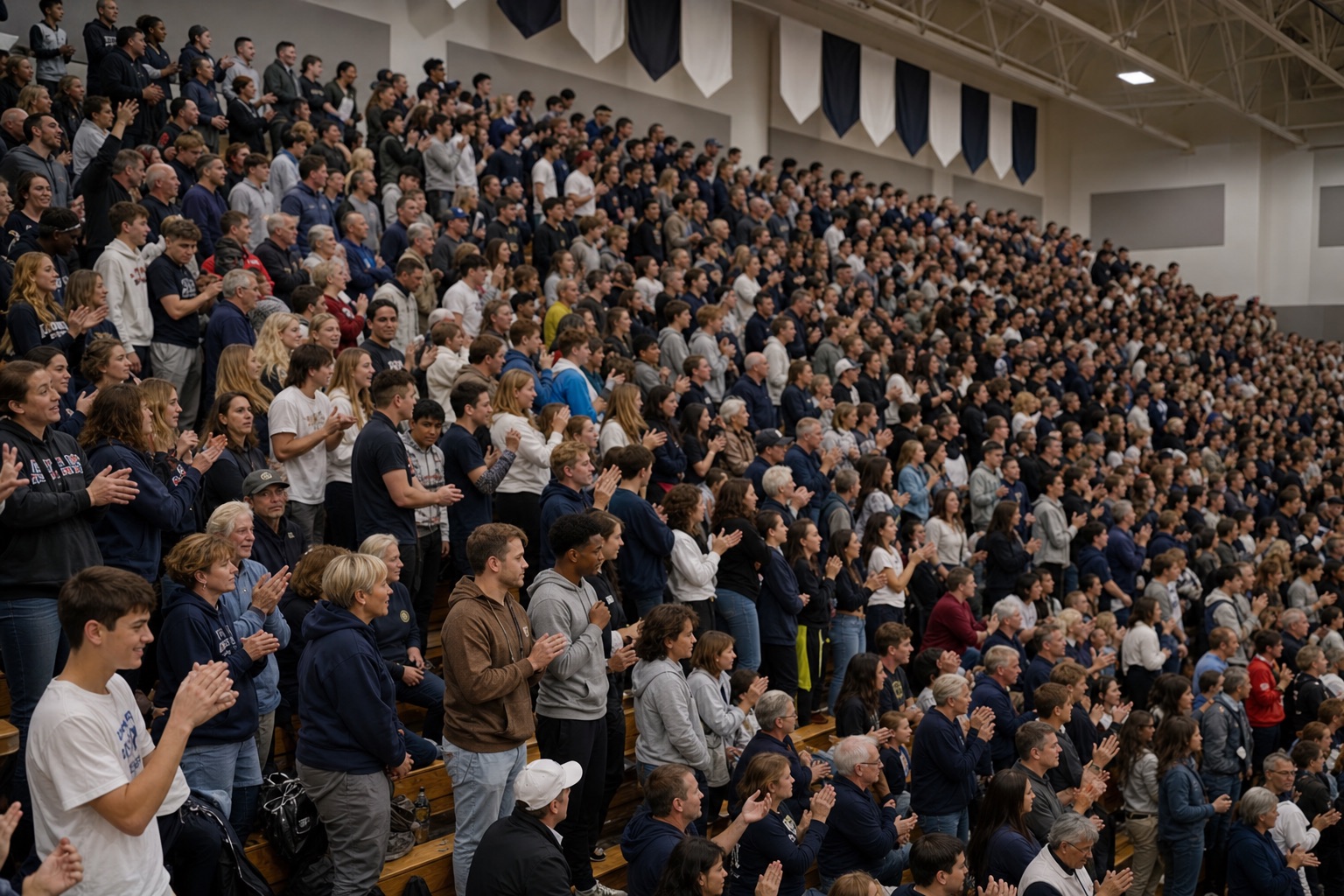
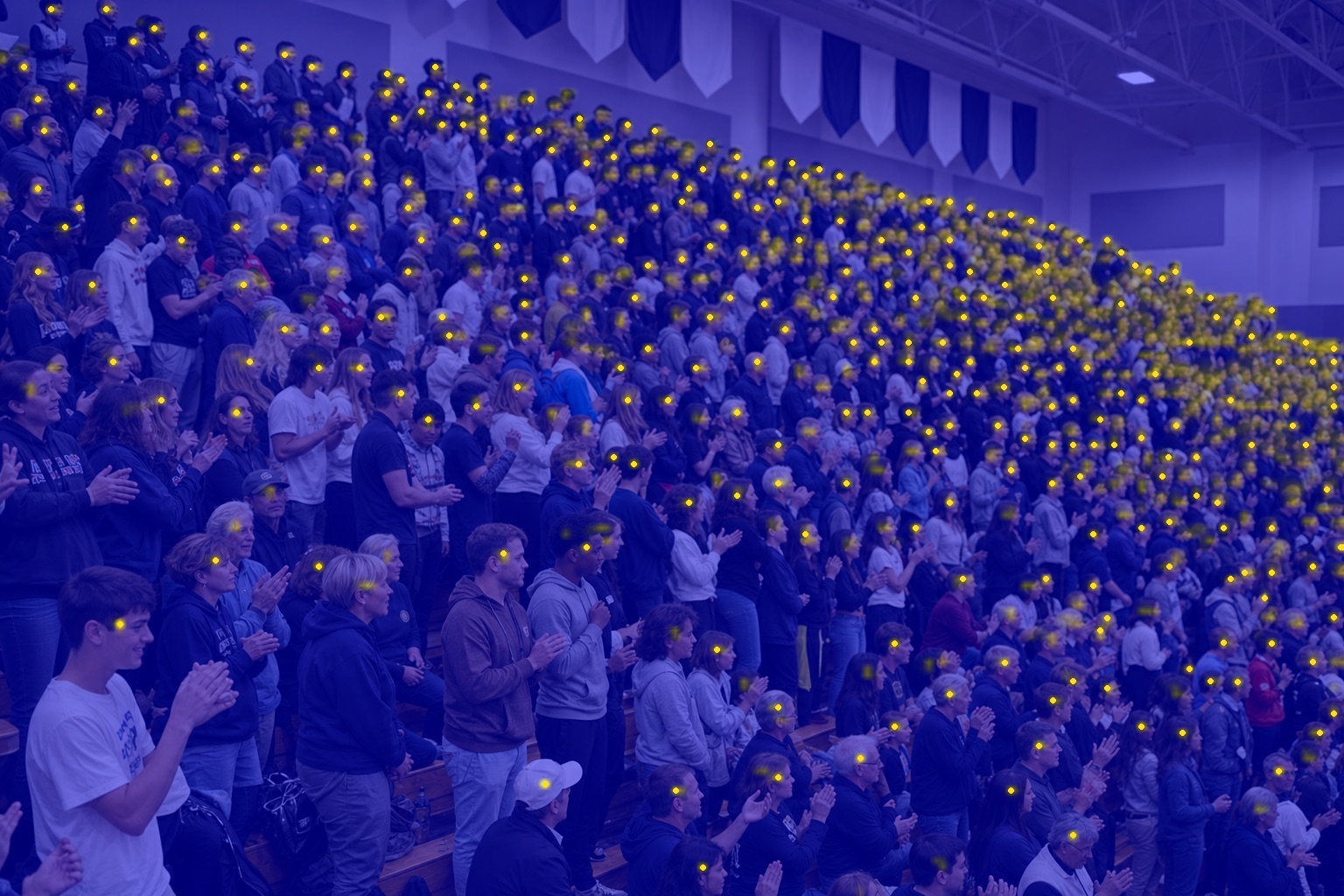
The detection map is the part that matters. A number alone asks you to trust the software; a map of every counted person lets you verify it yourself — and if you disagree, you correct the count by hand and keep your number.
- Accuracy: comparable to a careful manual count on typical crowd photos; every count includes an image-quality score so you know when to reshoot.
- Time: seconds.
- Best for: anyone who counts regularly — attendance at games, services, and recurring events.
Try it right now — upload a photo to our free web counter, no signup.
Count a photo free →Counting every week? Get the iOS app — unlimited counts and a season record.
Tips for photos that count well
- Shoot from elevation. A balcony, press box, or raised corner reduces the overlap that hides people behind each other.
- Get the whole crowd in frame. Two photos of two sections beat one photo that crops people out.
- Steady and wide. Blur is the main thing that hurts machine counts — brace the phone and avoid zooming.
- Count at the same moment every time. If you're tracking attendance across events, consistency of timing matters more than any single count's precision.
One-off curiosity counts are fine — but if you count the same event every week or every game, the real value is the record: every count filed to its season with the photo behind it, trends over time, and a report you can export when someone asks. That's exactly what Crowd Counter was built for.